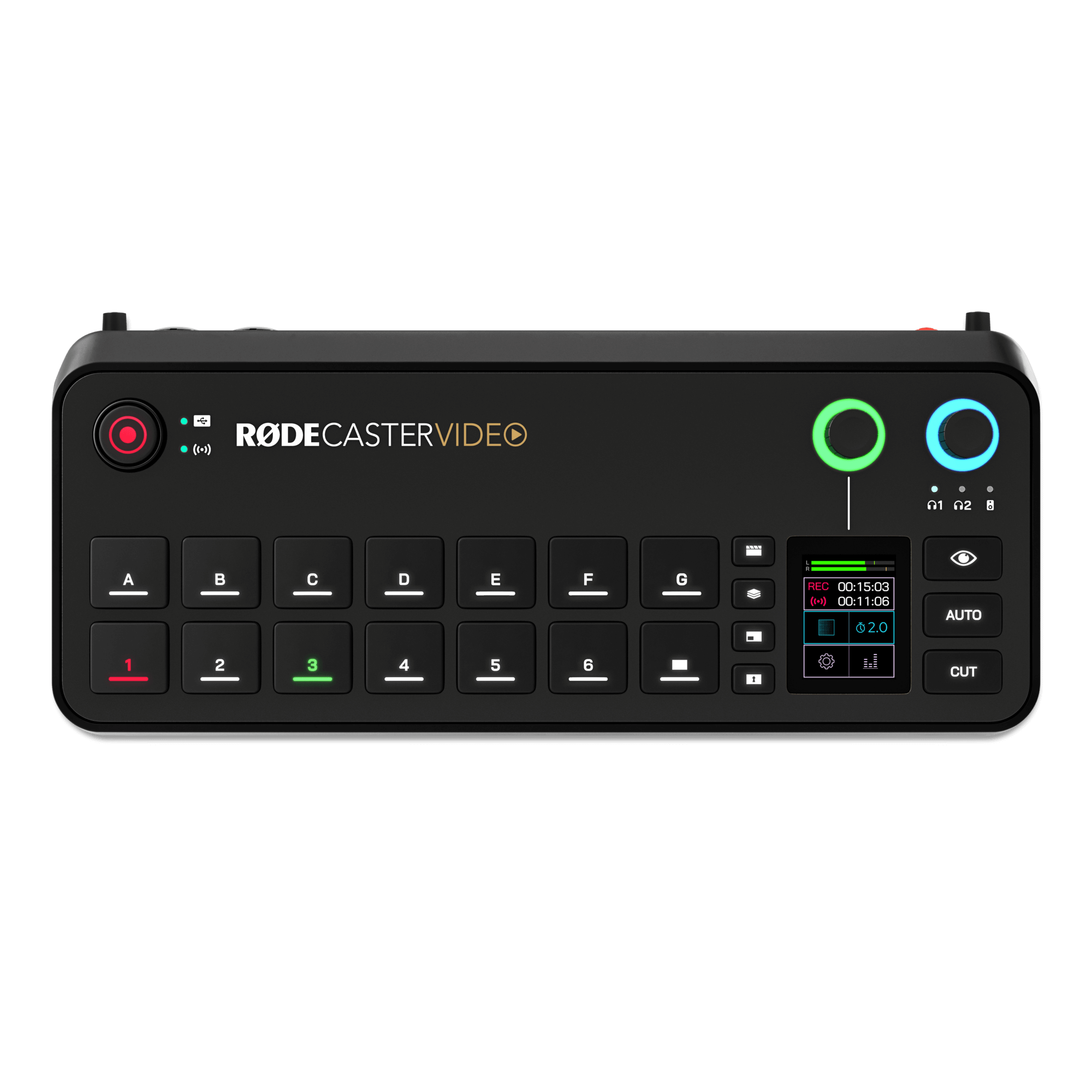
Compatible Microphones
The following RØDE USB microphone models are fully compatible with the RØDECaster Video and RØDECaster Video S:
- PodMic USB
- NT-USB Mini
- VideoMic NTG
- VideoMic GO II
- NT-USB+
- XDM-100
- XCM-50
- Wireless Series IV Products
Steps to Connect a RØDE USB Microphone
Once connected, you will need to ensure that the audio channel for the corresponding USB port is added to your RØDECaster Video/S' audio mixer.
To add the channel, simply tap the Audio Mixer button on your RØDECaster Video/S' home screen and scroll the encoder until you see the option to Add or remove channels.
After selecting the option, scroll down until you reach USB 4/5 and press the encoder to add the channel to your RØDECaster Video/S' mix.
You should now hear the microphone when monitoring and see the input on the VU meters.
For more information about the RØDECaster Video or RØDECaster Video S, please see our RØDECaster Video User Guide & RØDECaster Video S User Guide