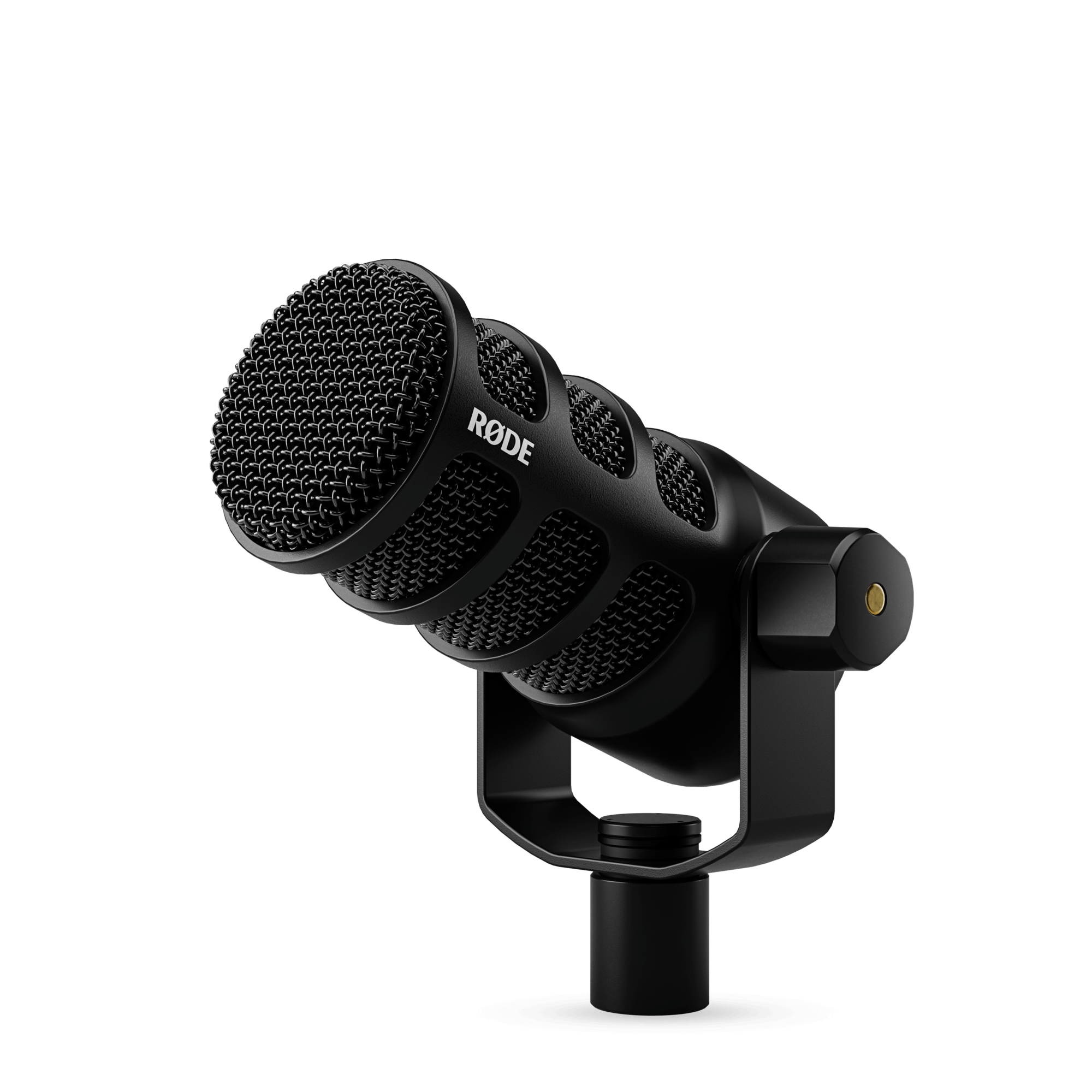
If you are finding that your recordings are quiet when using the PodMic USB, there are some considerations that need to be made in regard to the audio input level being received by your device. This would extend to the input gain level, appropriate connections and correct microphone placement.
Adjust the Input Gain Level
When connecting via the PodMic USB's USB connection, the first and most common setting to check would be the 'Input Gain' level.
To increase the Audio Input level of the PodMic USB, you can adjust the 'Input Volume' via your operating system's sound settings, (select the PodMic USB within your audio input devices), or the 'Input Level' via the RØDE Central app
To adjust the PodMic USB's Input Gain level via RØDE Central:
- Simply connect your RØDE PodMic USB microphone to your computer.
- Open the RØDE Central application.
- Navigate to the PodMic USB's 'Audio' settings. Here you will find the 'Input Level' option.
- Simply increase 'Input Level' to boost the the signal the PodMic USB is picking up.
Microphone Placement
The microphone placement can have a dramatic effect on the overall volume it can pick up, and as the PodMic USB is a dynamic cardioid microphone, this is a highly important detail.
For the most ideal placement for the PodMic USB:
- Position the PodMic USB approximately 5-10 cm away from the speaker. Too far and the signal may sound quiet!
- Make sure that the top of the PodMic USB it is pointed directly towards their mouth.
Device Connection
The connection that is being used between the computer and PodMic USB can have a significant impact on the audio signal.
When connecting via USB, always ensure that the included RØDE USB cable is being used.
If connecting via a USB hub, one that is powered is always preferred as this will ensure the computer and hub are delivering the correct voltages and power to each connected device. Without the correct and expected power, the PodMic USB's can be impacted.
Non-powered USB hubs may divide the computer's USB voltage across several USB ports, limiting their compatibility with multiple device setups.
The RØDE Hub would be an example of a powered USB hub that delivers the a consistent voltage to each port regardless of the amount of devices connected!
For more information or questions about our RØDE products, please contact us here.