To connect a microphone with an XLR connection, you'll need a standard 3-pin XLR cable to link it to audio equipment. However, this cable alone won’t connect the mic directly to your computer.
This guide will help you connect a XLR microphone to your computer for recording or streaming purposes.
Use an Audio Interface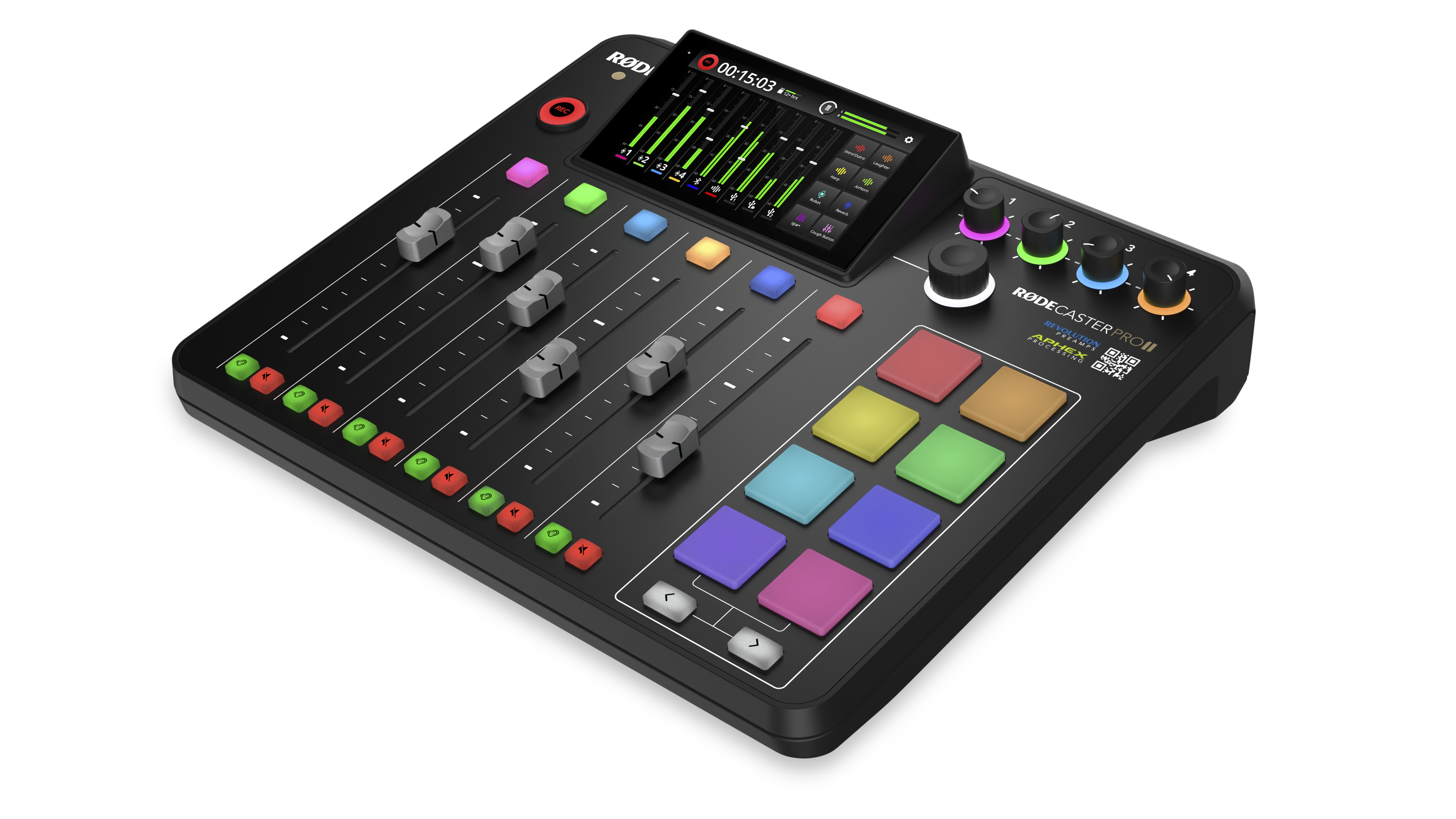
An audio interface like the RØDE AI-1 or RØDECaster Pro II is required to convert the microphone’s analogue signal to digital for your computer. These devices also provide phantom power to condenser microphones and controls like gain and monitoring.
Select your audio software
After connecting your microphone to the interface and the interface to your computer via USB, you can record using a Digital Audio Workstation (DAW) such as Pro Tools, Ableton Live, Logic Pro, GarageBand, or Reaper. DAWs let you record, edit, and produce audio efficiently.
In short, connect your XLR mic to an audio interface with a 3-pin XLR cable, link the interface to your computer, and use DAW software to record and process your audio for the best sound quality.
For more information or questions about our RØDE products, please contact us here.